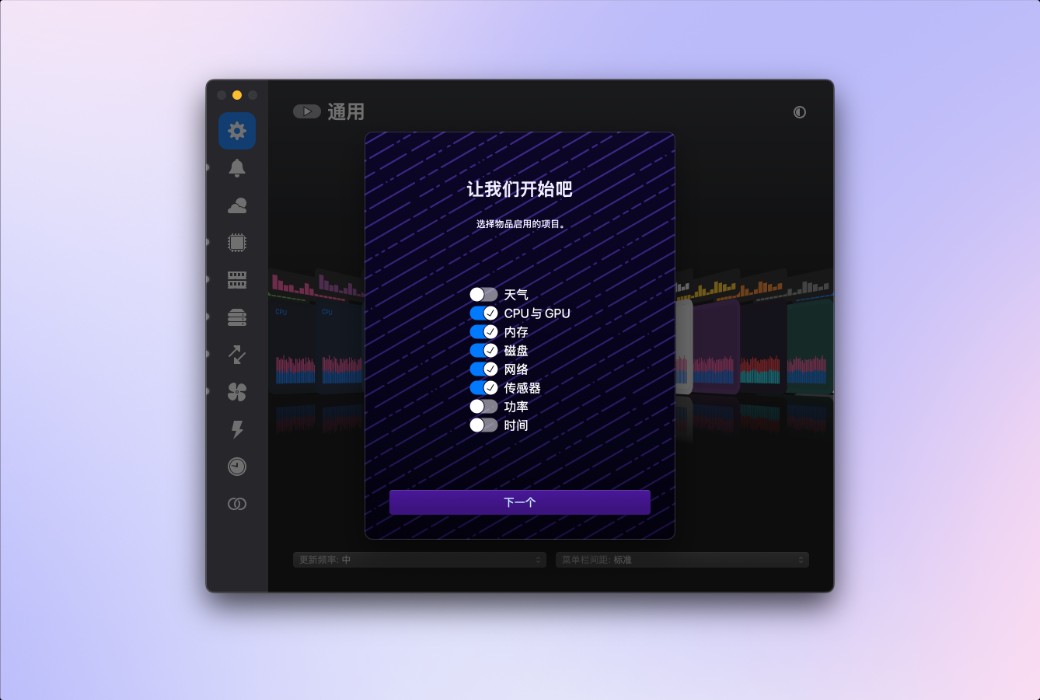
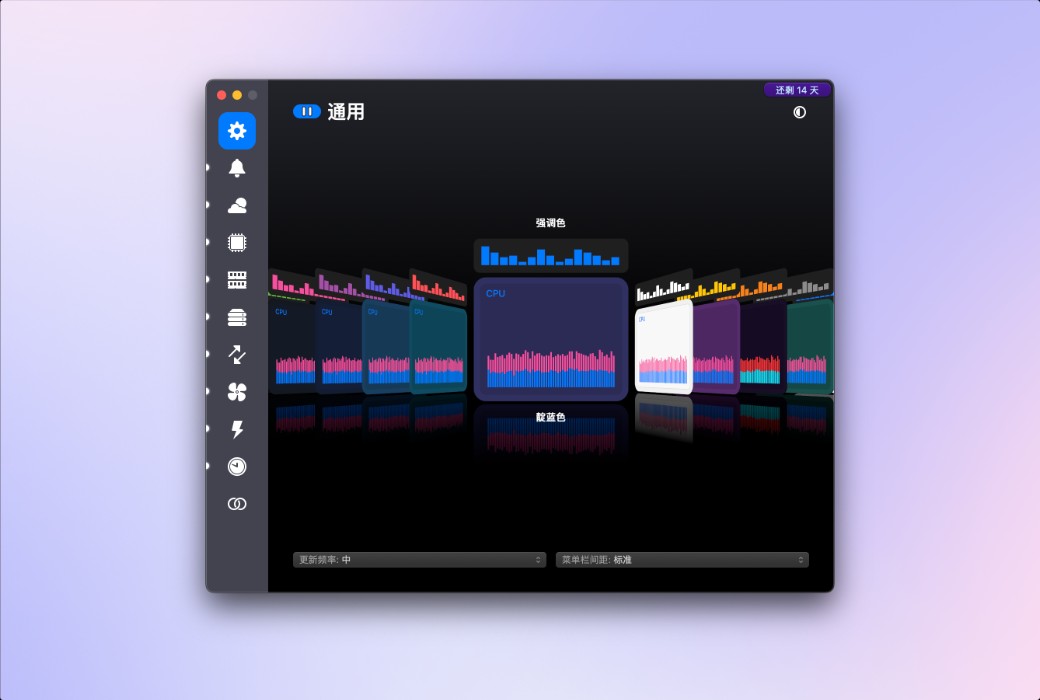
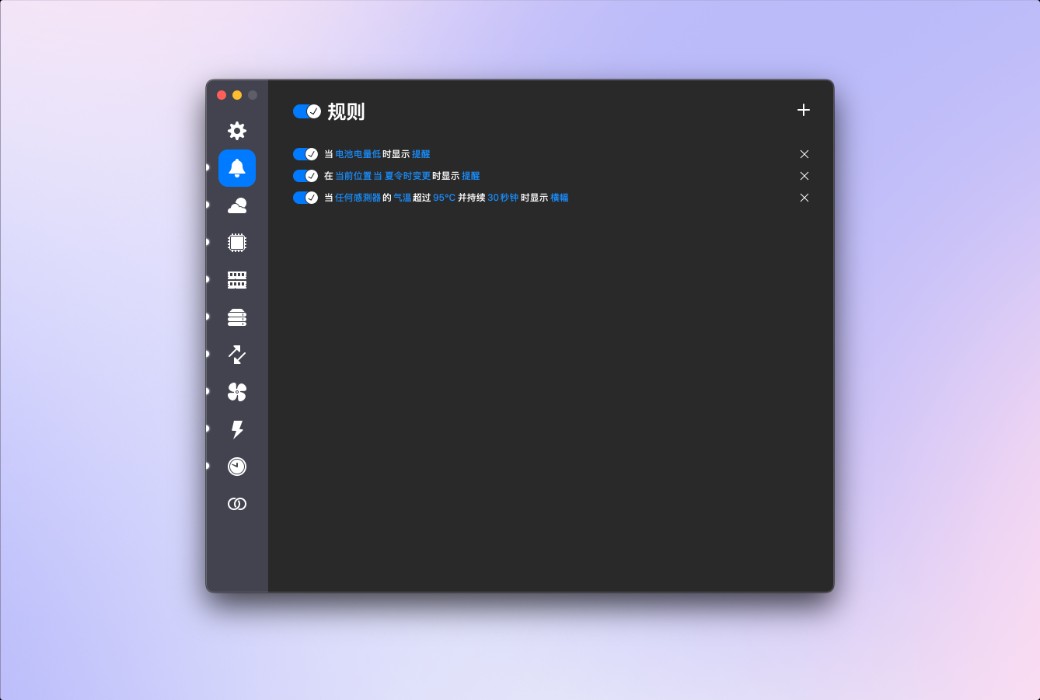
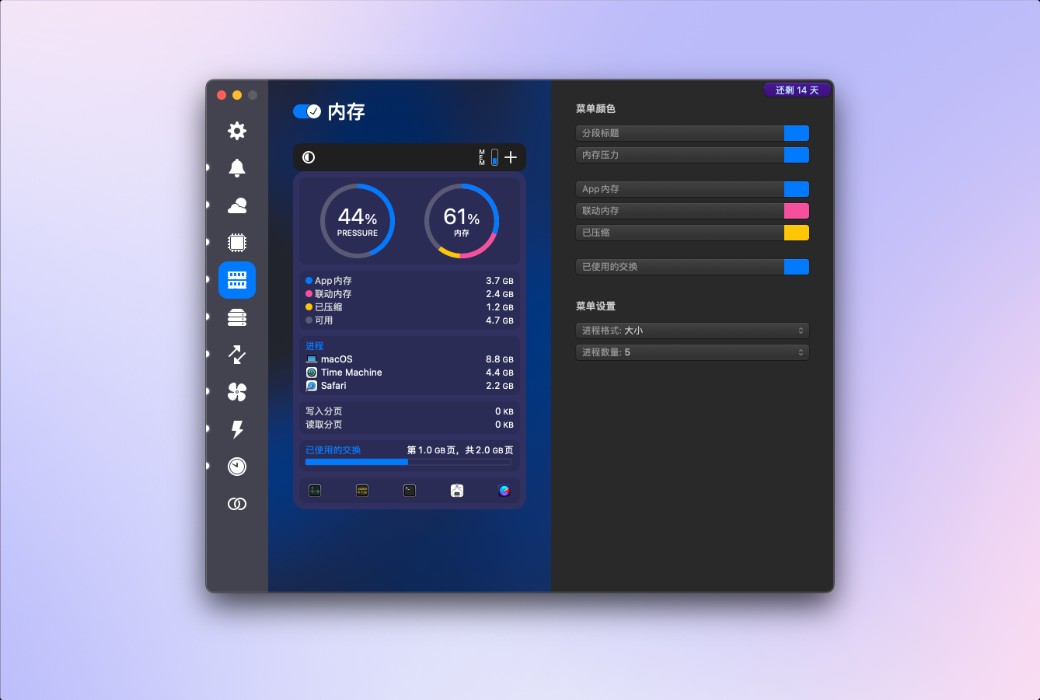
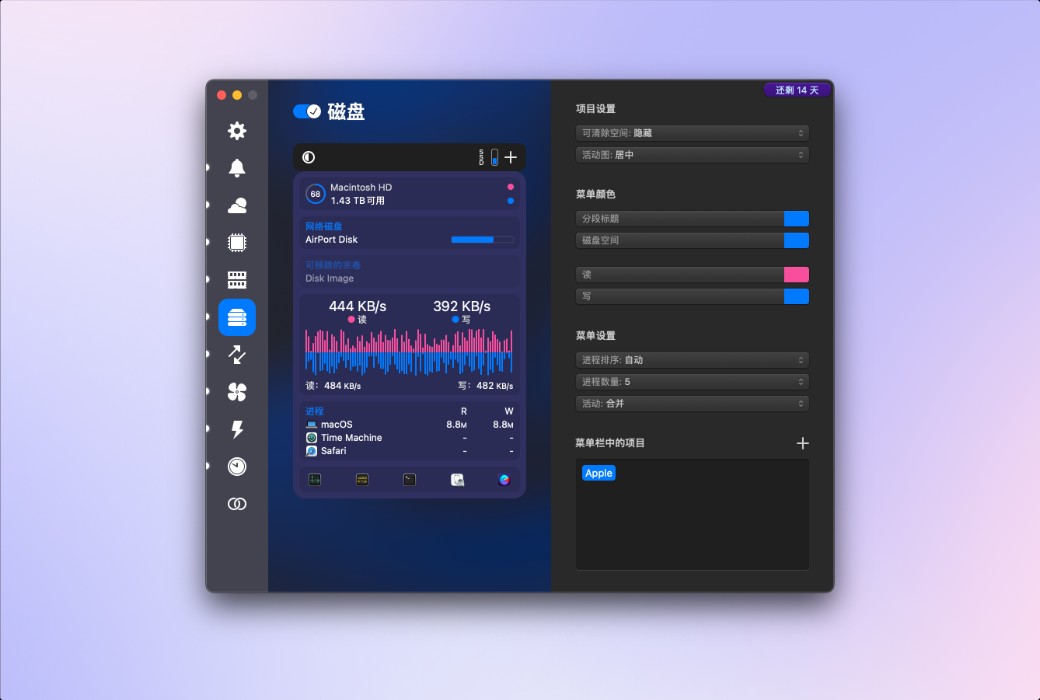
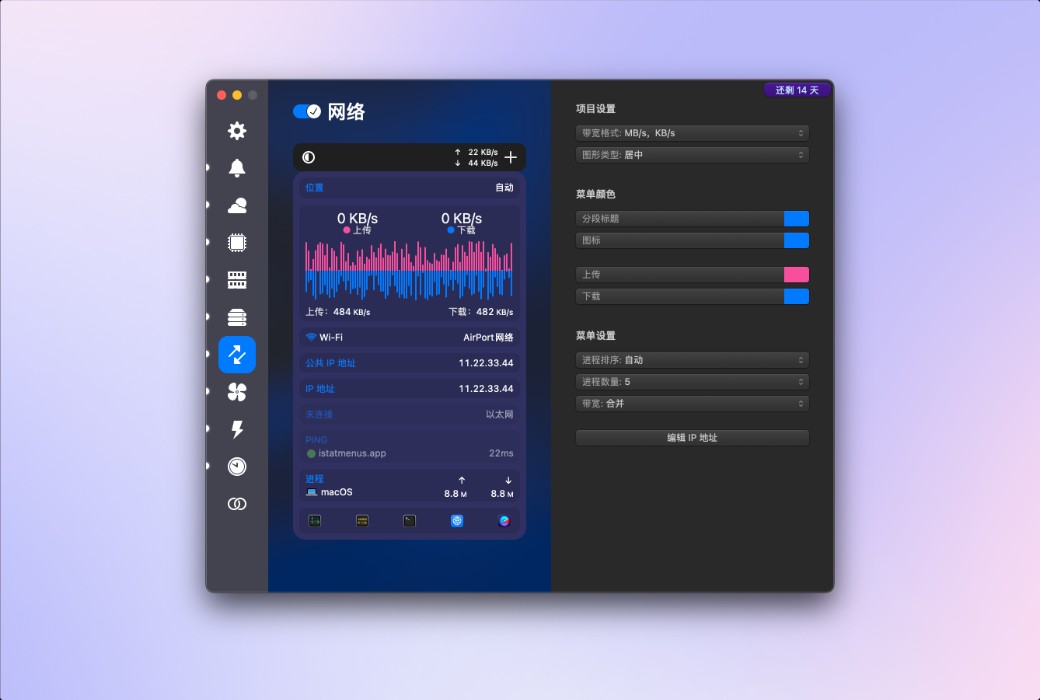
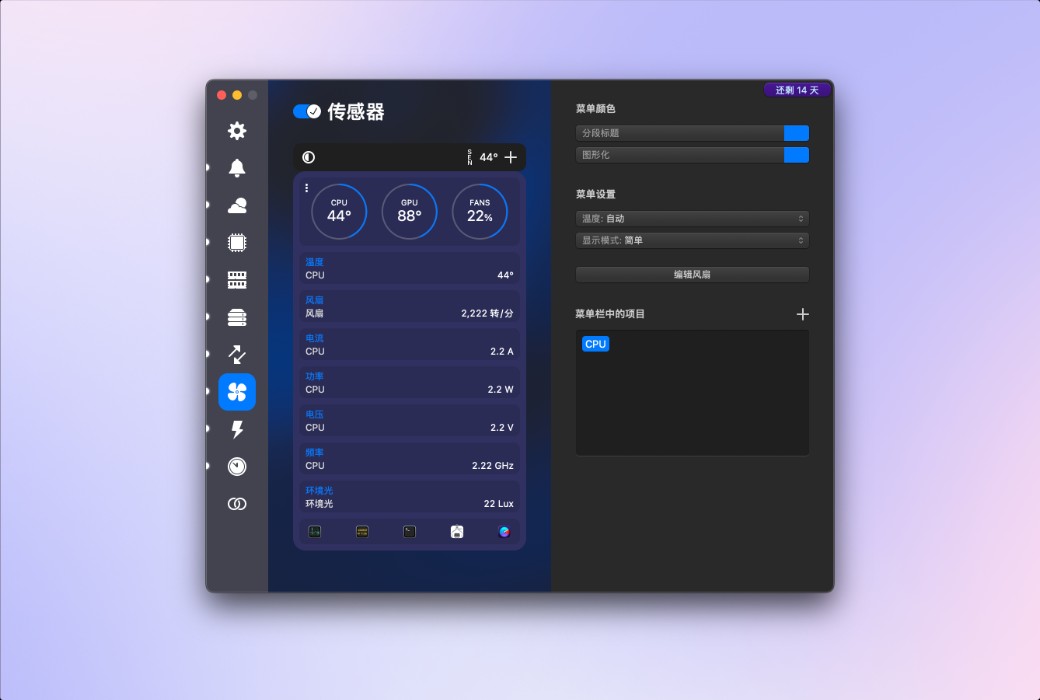
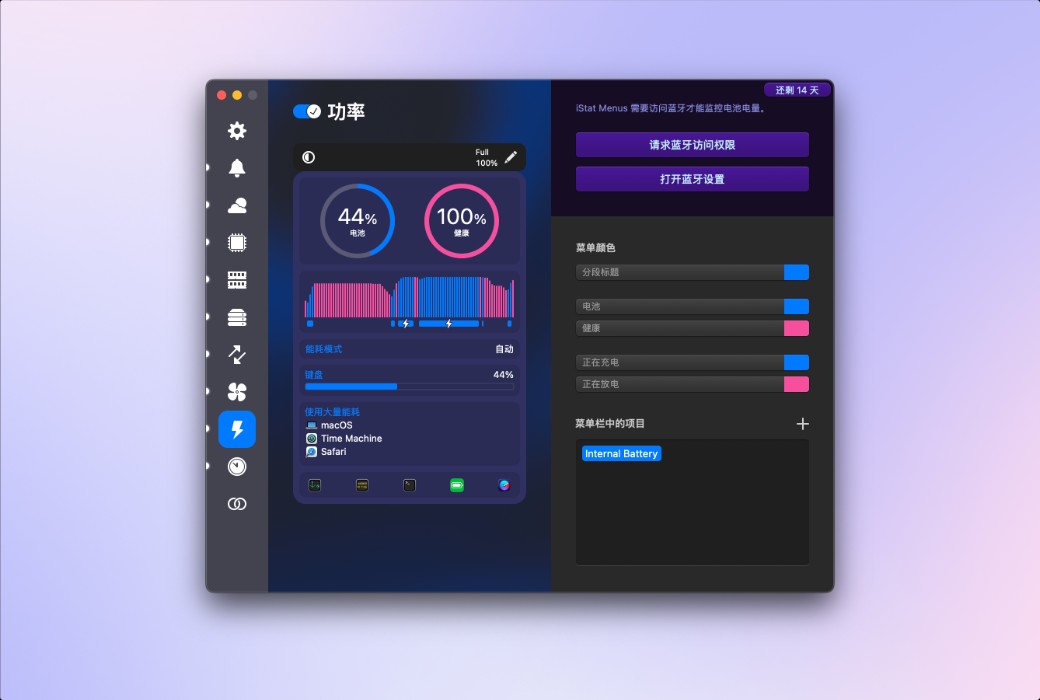
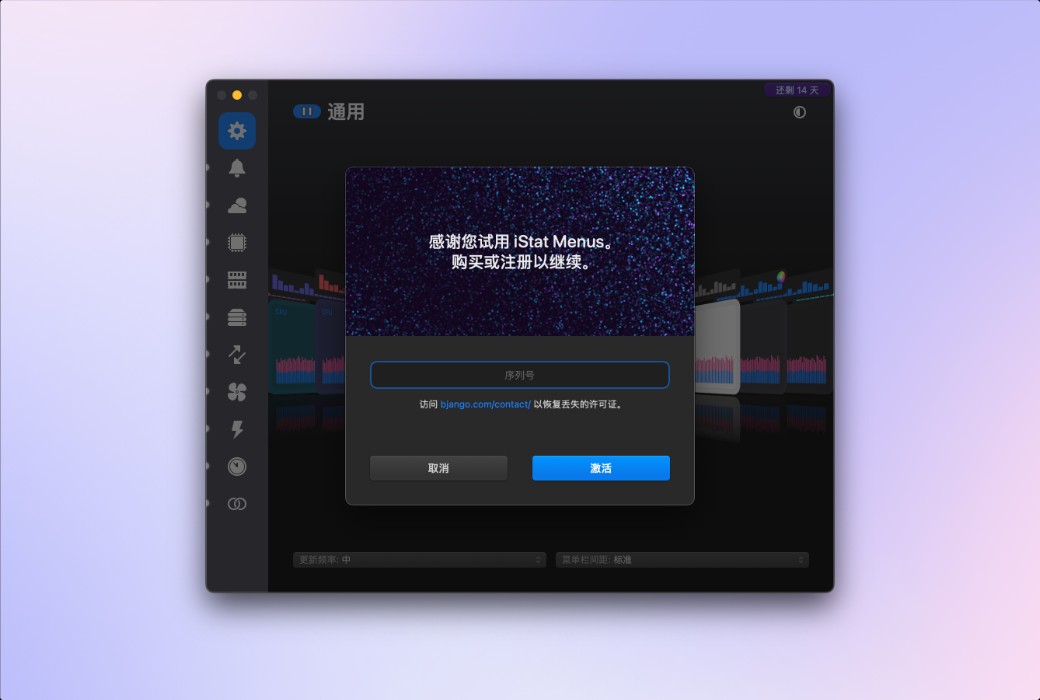
iStat Menus 7 has undergone a comprehensive upgrade, featuring a brand new design and hundreds of improvements both big and small. iStat Menus is unparalleled in efficiency, being the system monitoring application with the lowest CPU usage.
New Features:
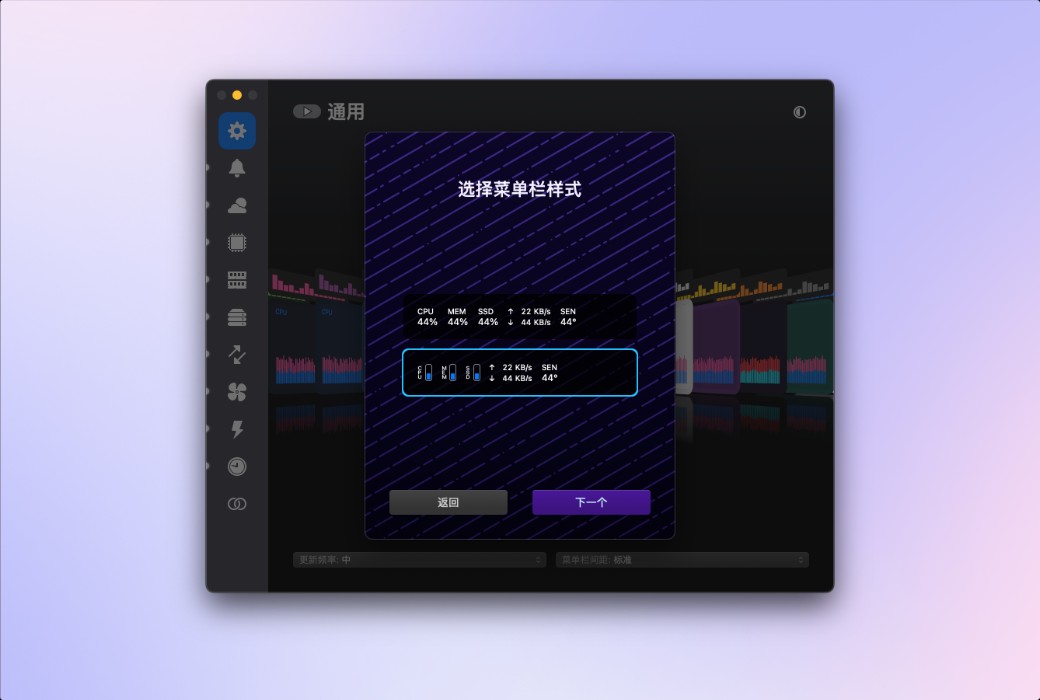
- Added menu bar mode, including stacked tabs and numerical display.
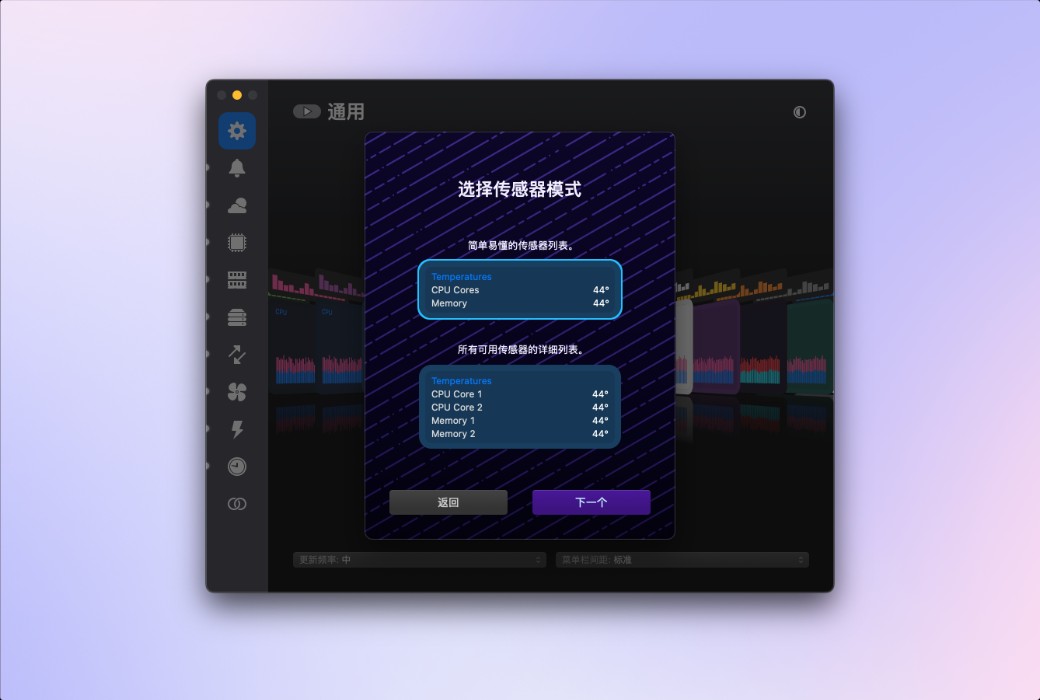
- Added menu bar items, such as Wi-Fi name and GPU frame rate. Frequency monitoring and more sensors for Apple Silicon Mac. More theme options and menu background colors. Fan speed can now be gradually increased, and the speed curve can be fully controlled.
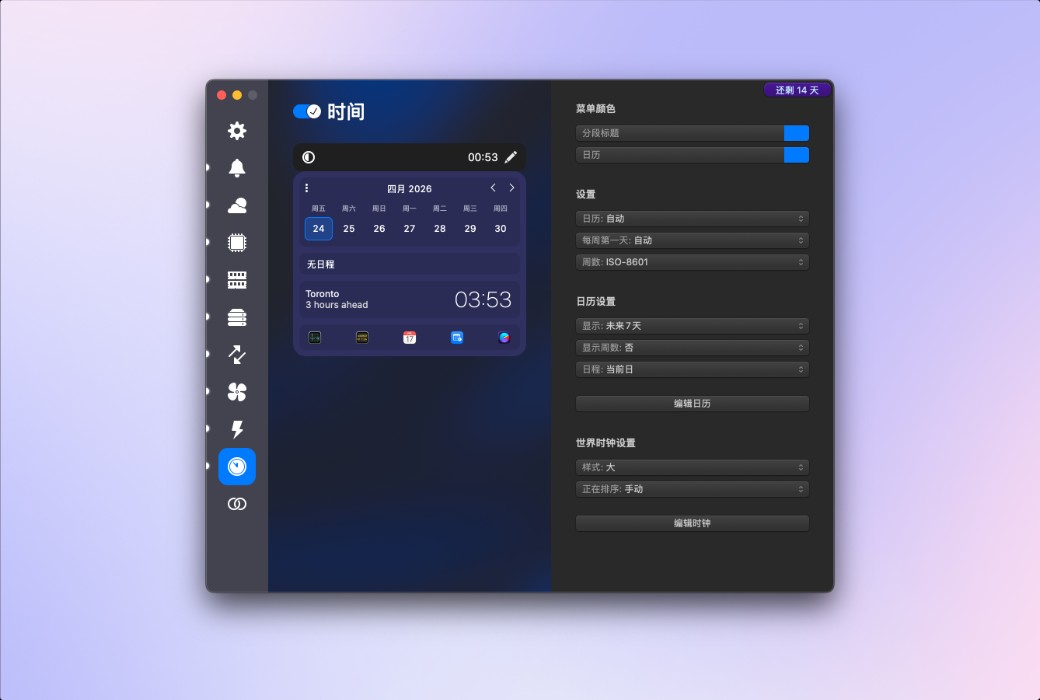
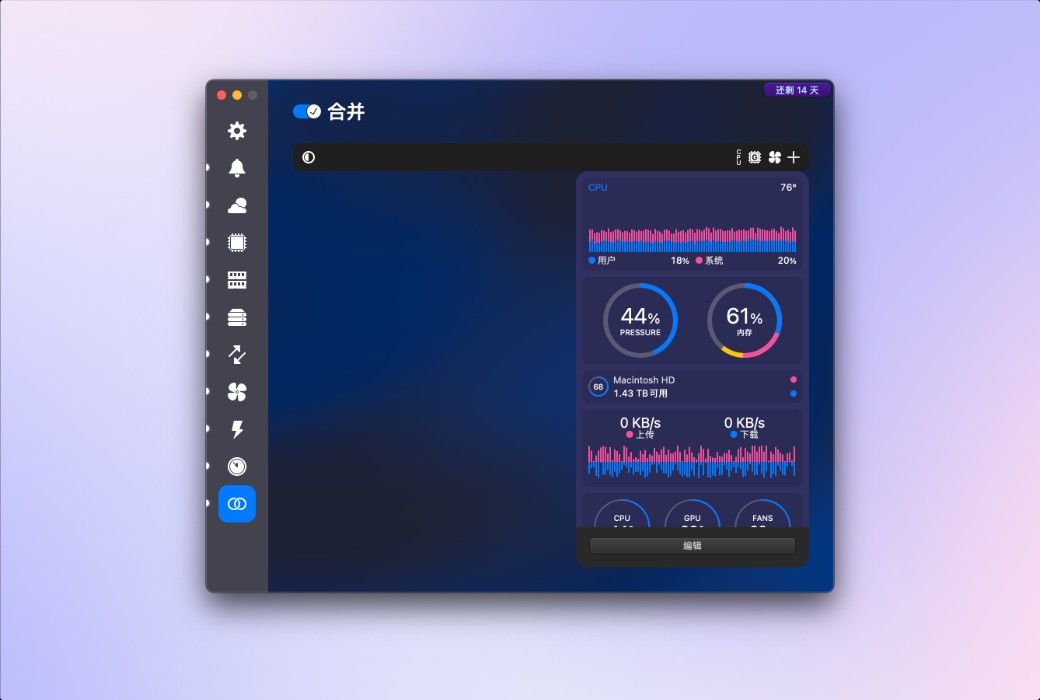
- The time menu now includes 7-day and 14-day rolling calendar modes. The combination mode has been significantly improved, now displaying any item in the menu bar with unique settings, and providing more menu options in the dropdown menu.
Weather
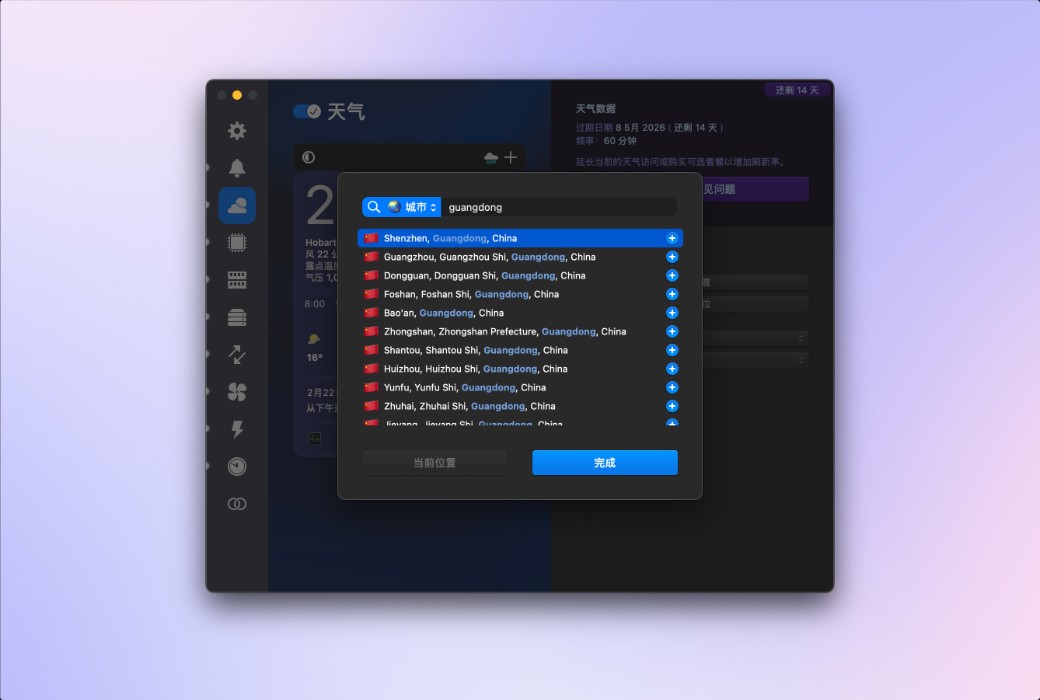
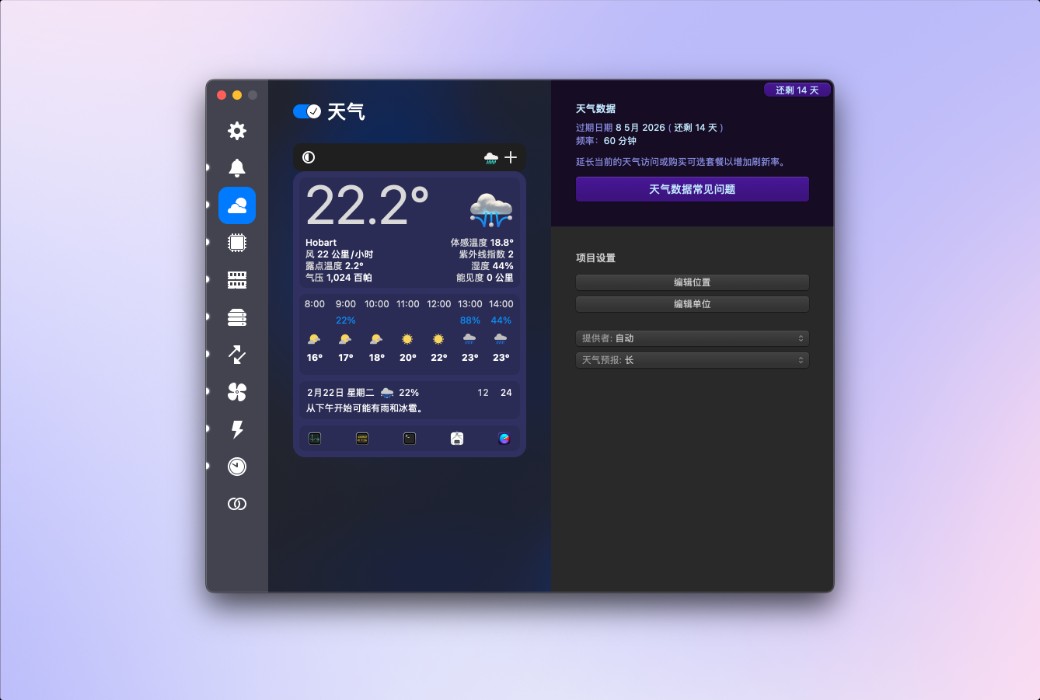
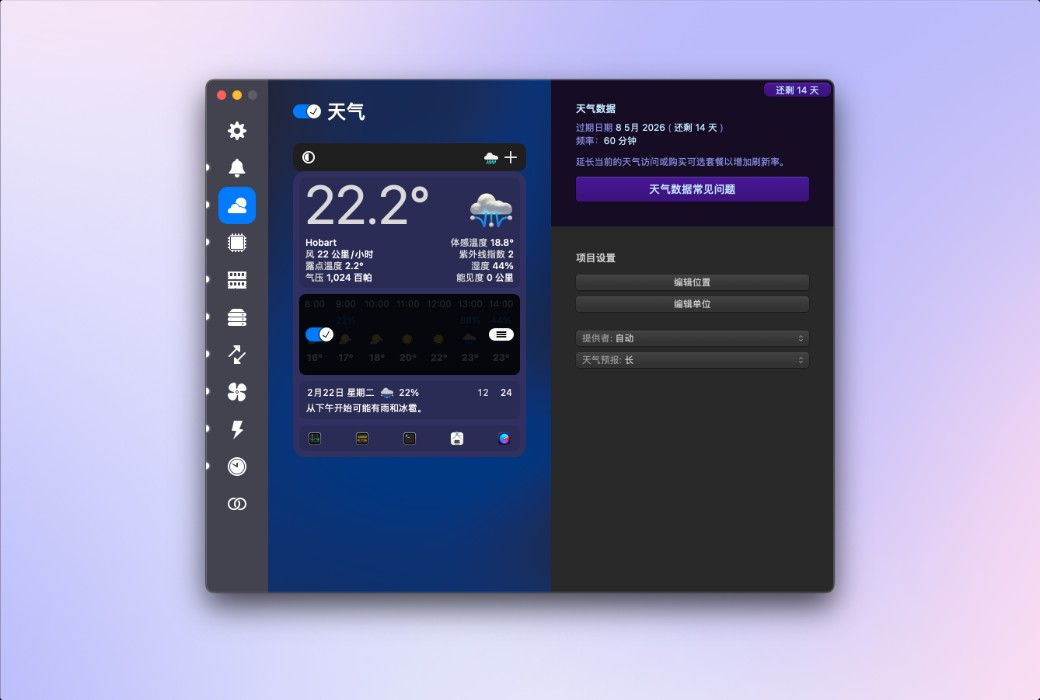
You can quickly browse the current weather conditions in the menu bar, or delve into extremely detailed hourly weather forecasts and weekly weather overviews, covering minimum and maximum temperatures, wind speed and direction, rainfall probability, humidity, dew point, UV index, air pressure, visibility, and more. iStat Menus can display weather based on your current location, or show weather for almost any region worldwide.
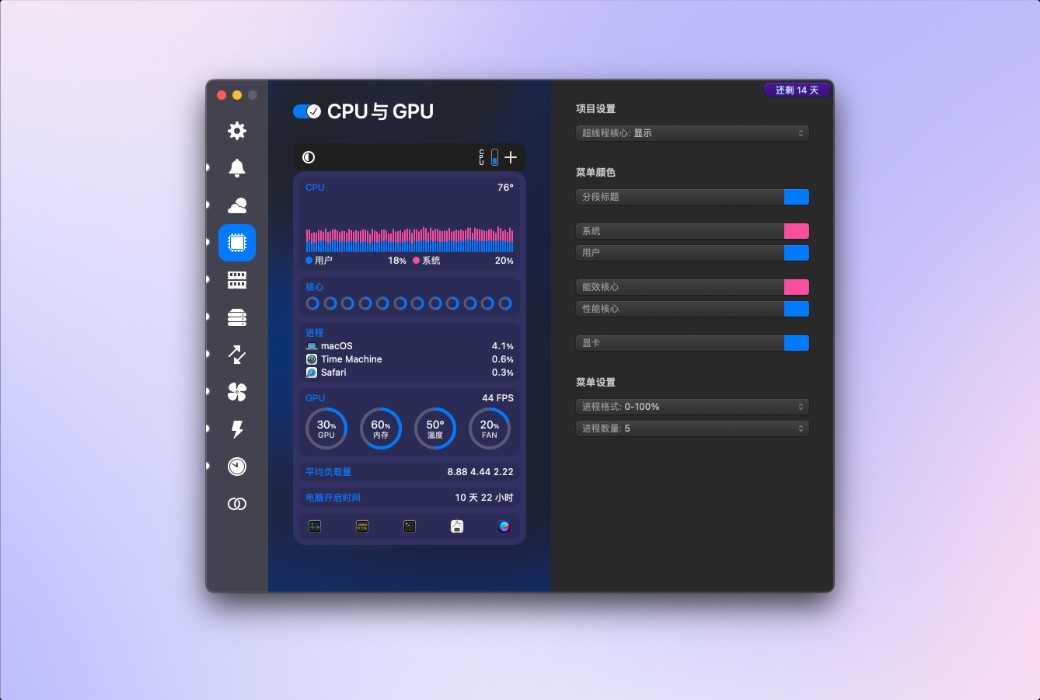
CPU and GPU
Provides highly detailed CPU information, including current usage of each core, historical charts, average load, runtime, CPU frequency, and a list of applications that consume the most CPU resources. You can set different styles for efficiency cores and performance cores according to your needs. Additionally, on supported Mac models, GPU processors, memory, temperature, and frequency are also displayed.
.