You haven't signed in yet, you can have a better experience after signing in
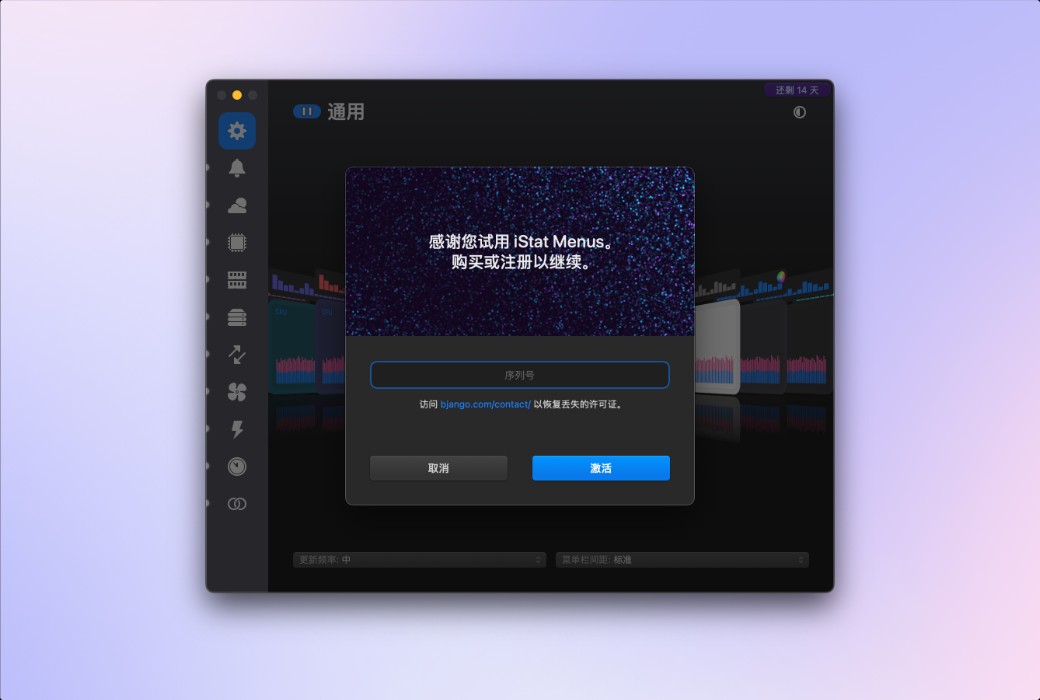
iStat Menus 7 macOS system status monitoring tool software 
Activity Rules
1、Activity time:{{ info.groupon.start_at }} ~ {{ info.groupon.end_at }}。
1、Activity time:cease when sold out。
2、Validity period of the Group Buying:{{ info.groupon.expire_days * 24 }} hours。
3、Number of Group Buying:{{ info.groupon.need_count }}x。
Please Pay Attention
1、Teamwork process: Join/initiate a Group Buying and make a successful payment - Within the validity period, the number of team members meets the activity requirements - Group Buying succeeded!
2、If the number of participants cannot be met within the valid period, the group will fail, and the paid amount will be refunded in the original way.
3、The number of people required and the time of the event may vary among different products. Please pay attention to the rules of the event.
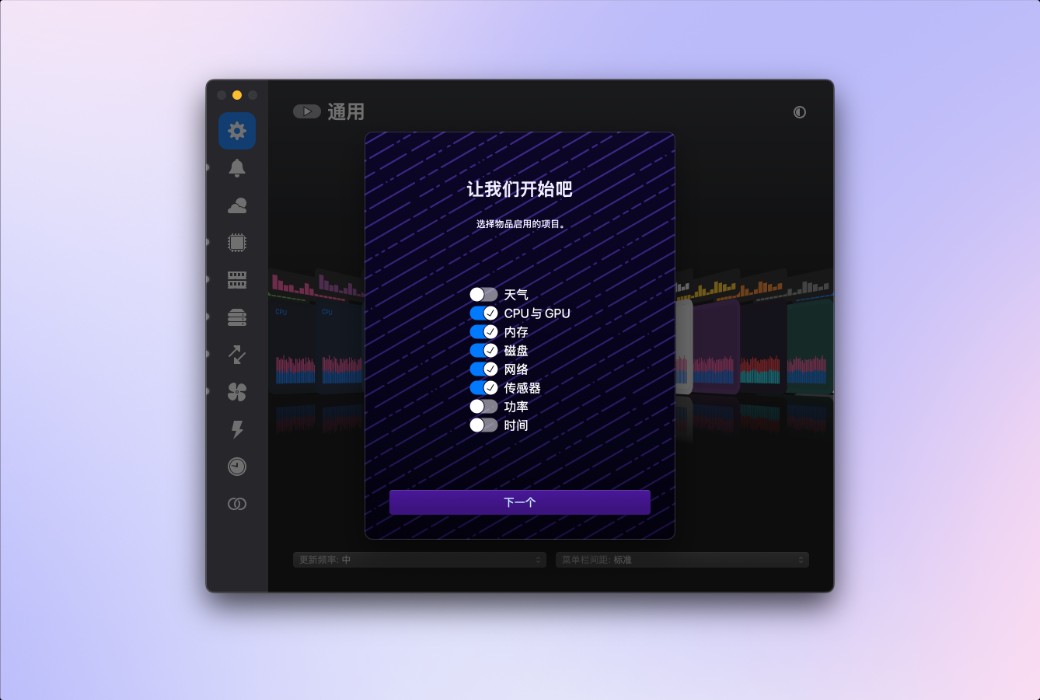
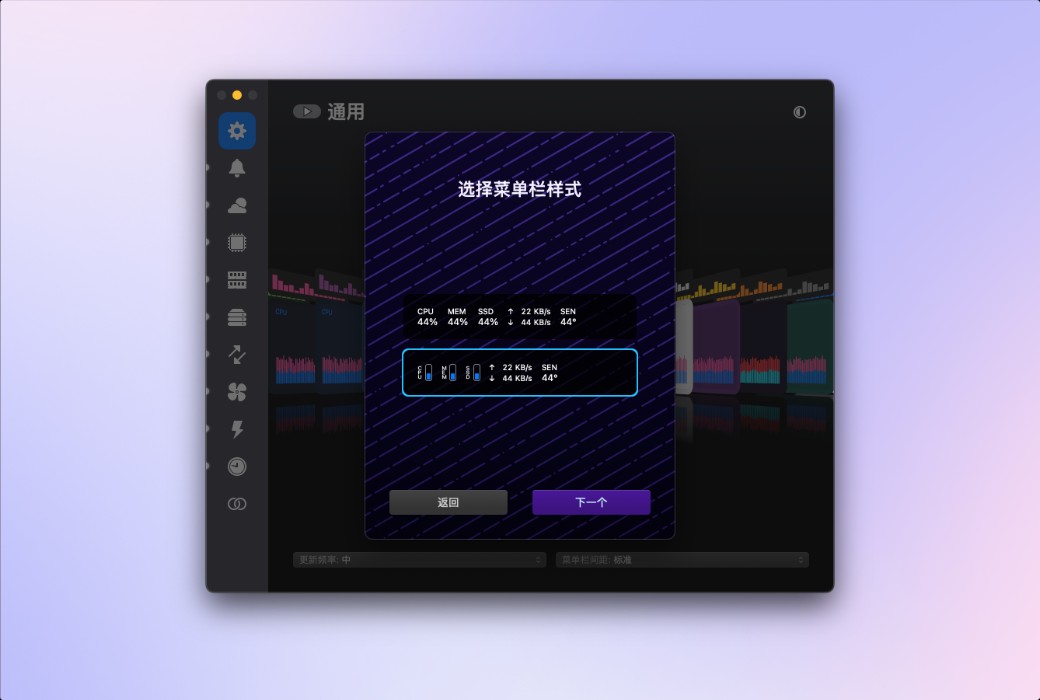
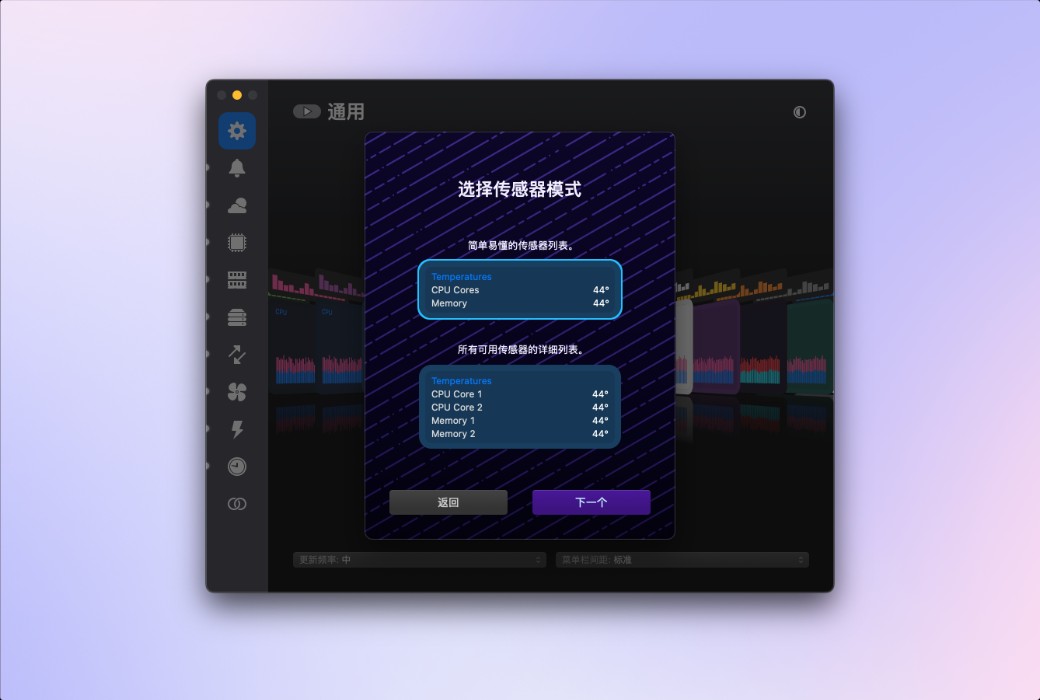
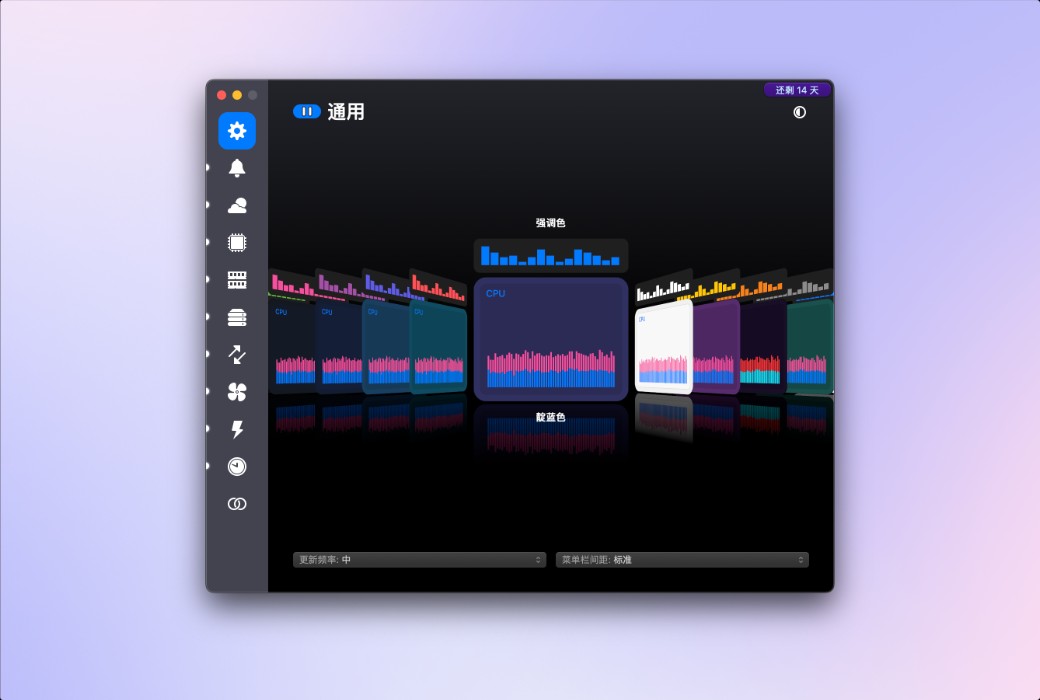
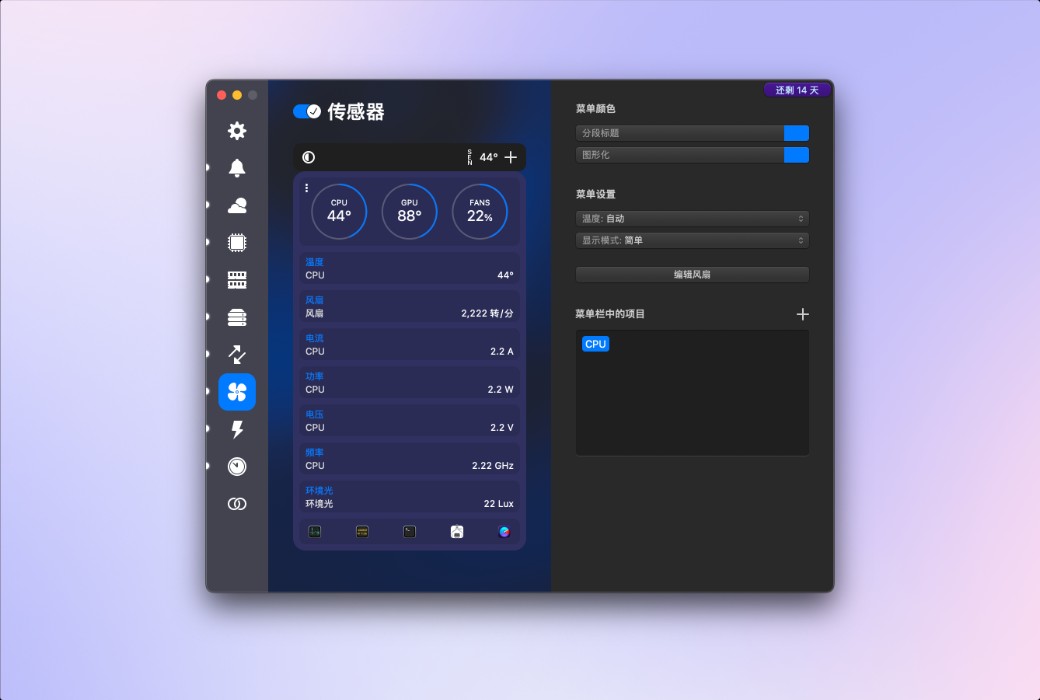
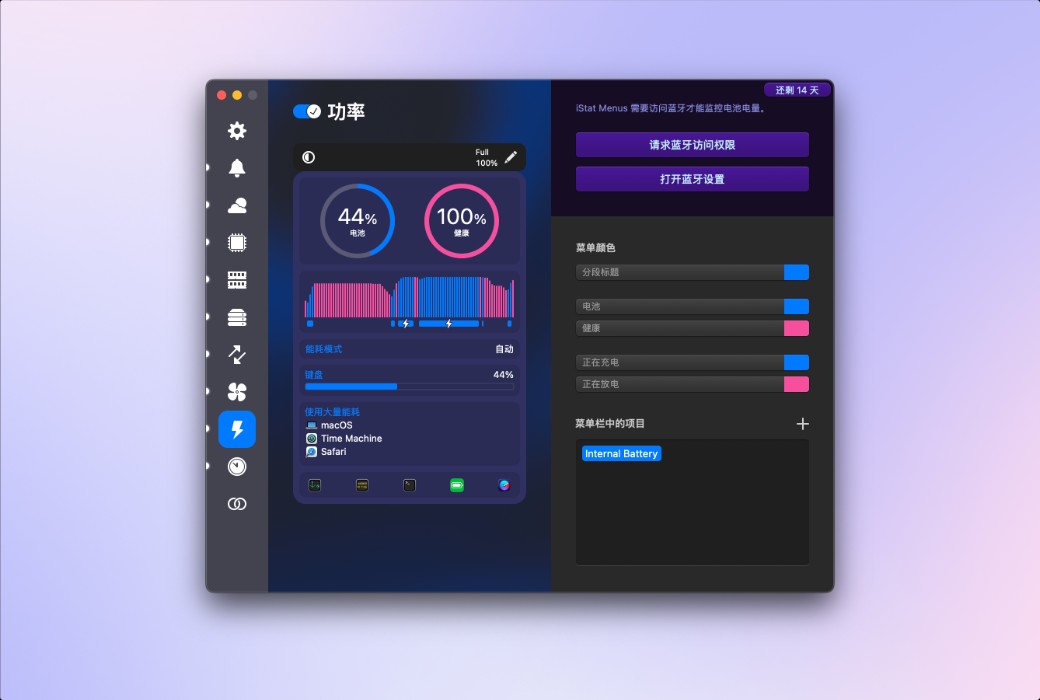
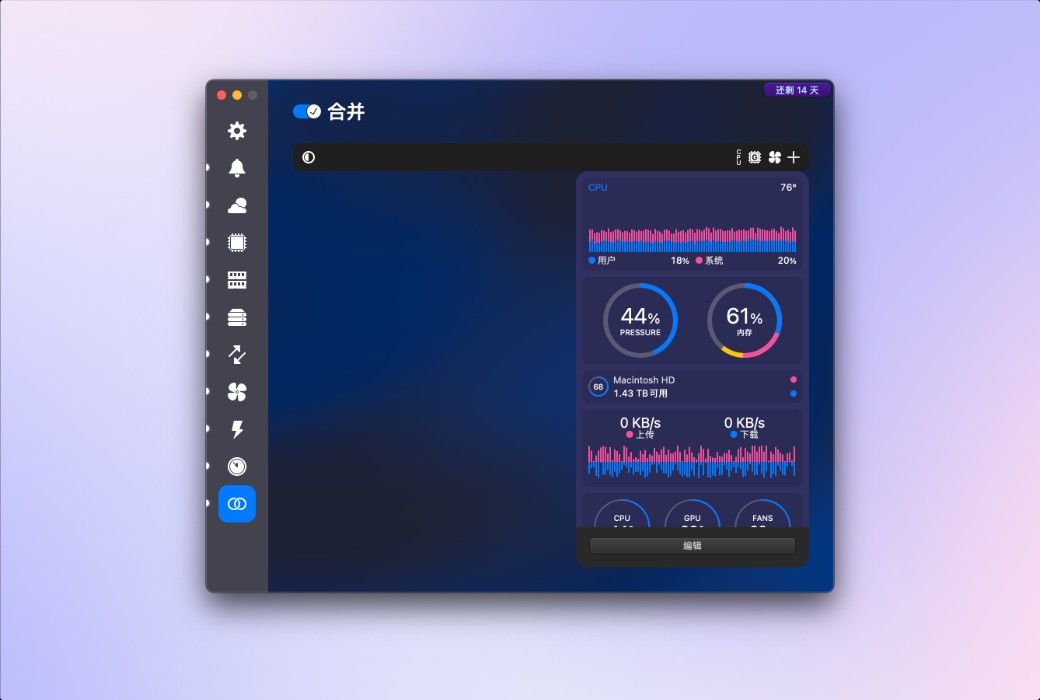
iStat Menus 7 has undergone a comprehensive upgrade, featuring a brand new design and hundreds of improvements both big and small. iStat Menus is unparalleled in efficiency, being the system monitoring application with the lowest CPU usage.
New Features:
Weather
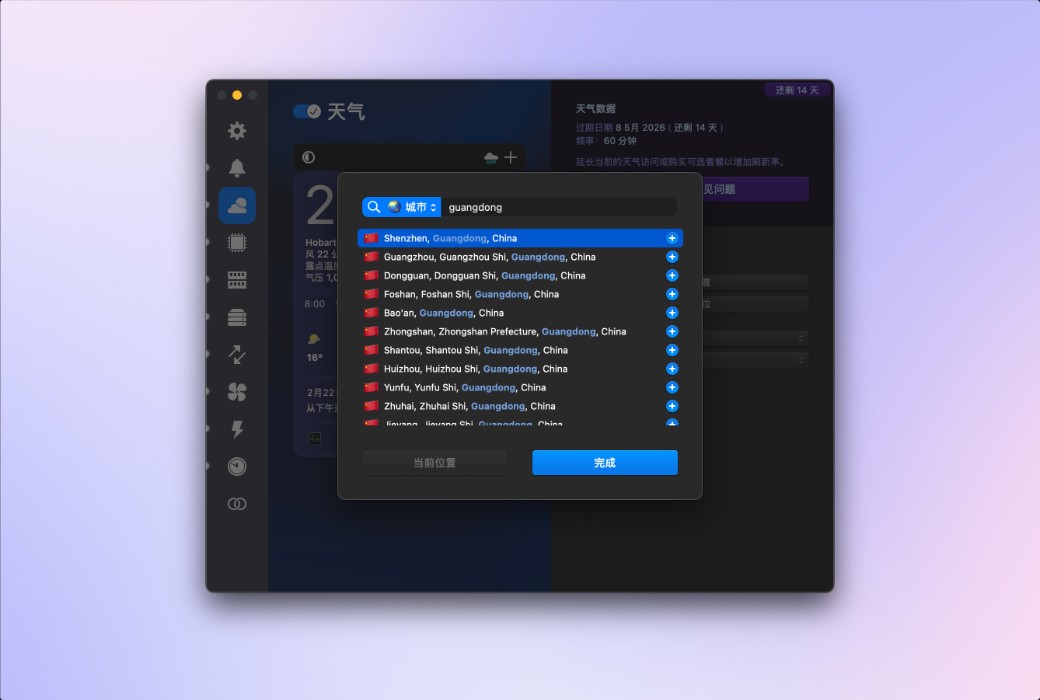
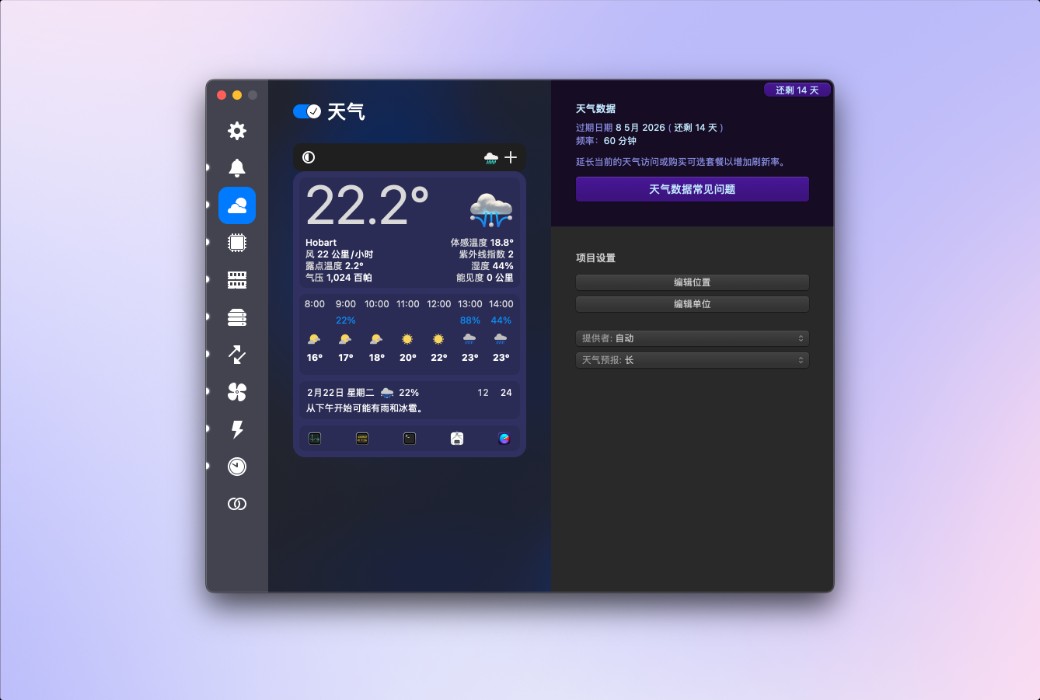
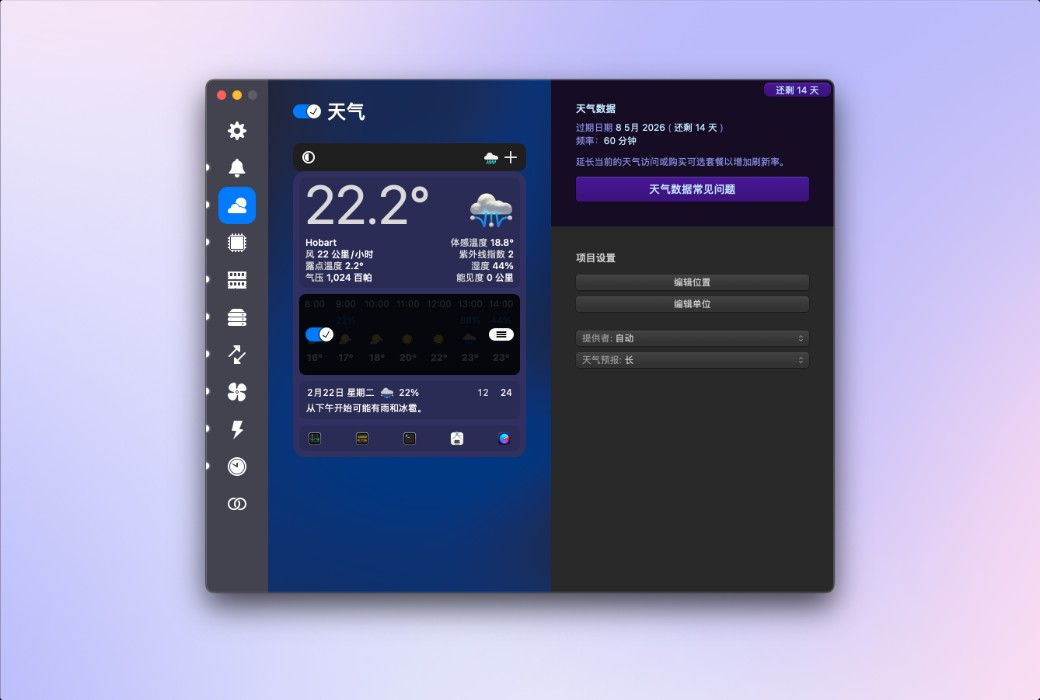
You can quickly browse the current weather conditions in the menu bar, or delve into extremely detailed hourly weather forecasts and weekly weather overviews, covering minimum and maximum temperatures, wind speed and direction, rainfall probability, humidity, dew point, UV index, air pressure, visibility, and more. iStat Menus can display weather based on your current location, or show weather for almost any region worldwide.
CPU and GPU
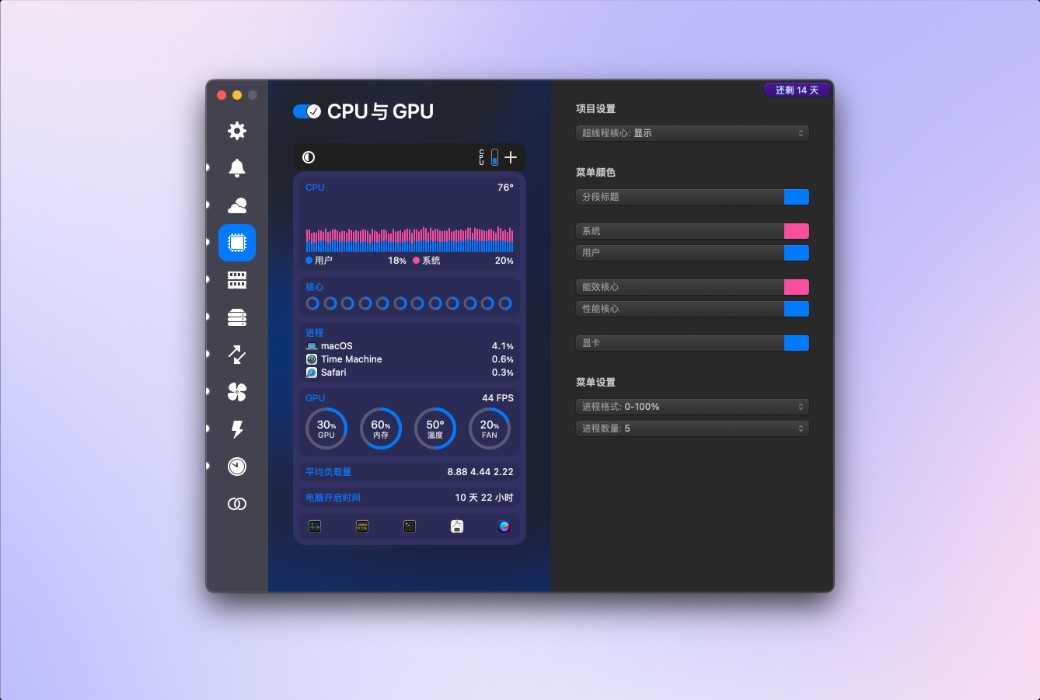
Provides highly detailed CPU information, including current usage of each core, historical charts, average load, runtime, CPU frequency, and a list of applications that consume the most CPU resources. You can set different styles for efficiency cores and performance cores according to your needs. Additionally, on supported Mac models, GPU processors, memory, temperature, and frequency are also displayed.
.

Official Website:https://bjango.com/mac/istatmenus/
Download Center:https://istatmenus.apsgo.cn
Delivery Time: Automatic delivery within 24 hours
Operating Platform: macOS
Interface Language: Supports Chinese interface display, with multiple languages available.
Update Instructions: Supports minor version updates, e.g., 7.xx.
Trial Before Purchase: Free trial available before purchase.
How to Receive Your Product: After purchase, the activation information will be sent to the email address used for the order. You can also view the corresponding product activation code in your personal center, under "My Orders".
Number of Devices: Single-user license supports activation on one Mac; family license supports activation on up to five Macs simultaneously, making it suitable for families or users with multiple devices.
Changing Computers: Uninstall on the old computer and activate on the new one.
Activation Guide:https://istatmenus.apsgo.com/forum/5783/answer/5085
Special Instructions: To be added.
References:https://bjango.com/mac/istatmenus/

Any question
菜单栏时钟格式示例
iStat 菜单中的菜单栏时钟和世界时钟高度可定制。所有相对正常的时钟格式都有可能,也有一些截然不同的格式。
它非常灵活。
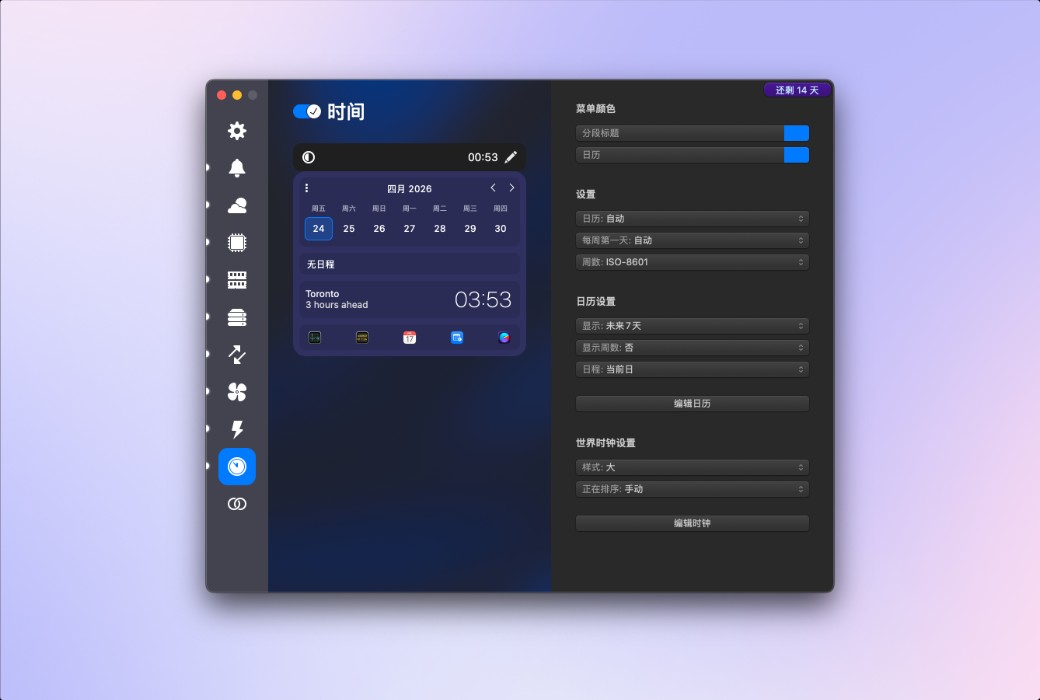
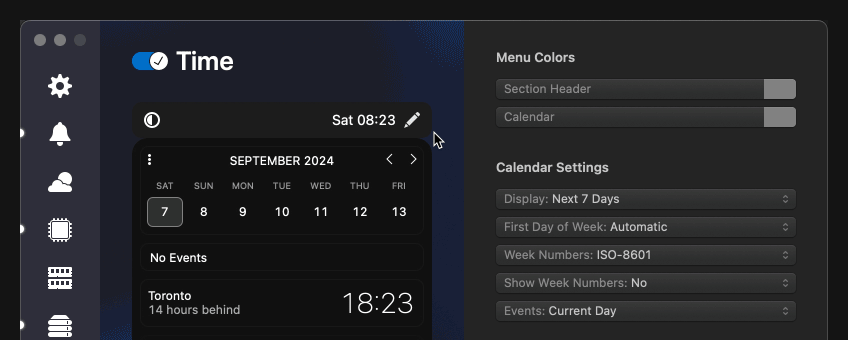
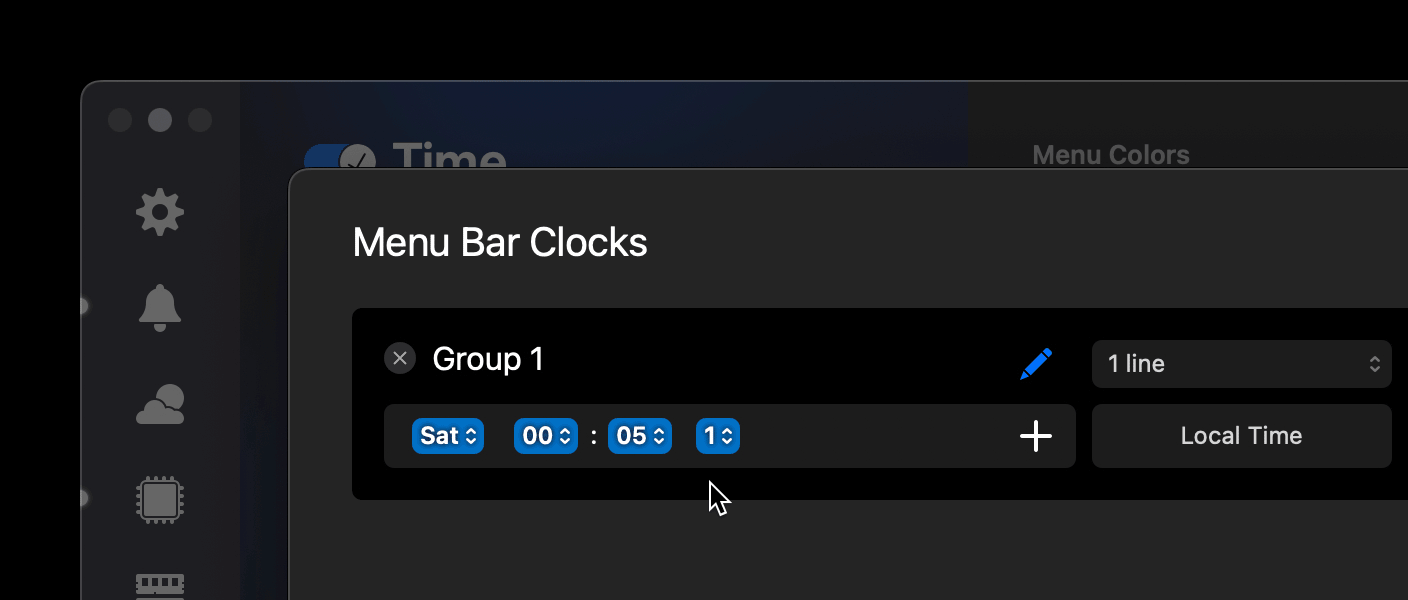
要编辑菜单栏时钟,请进入时间标签页,点击菜单栏预览中的铅笔图标,打开菜单栏时钟表。然后点击铅笔图标进入编辑模式。点击按钮添加物品。+

要删除代币,只需将其拖到按钮处,按钮会变成垃圾桶。或者,点击文本字段内,将插入点放在你想删除的标记后,然后按键。+delete

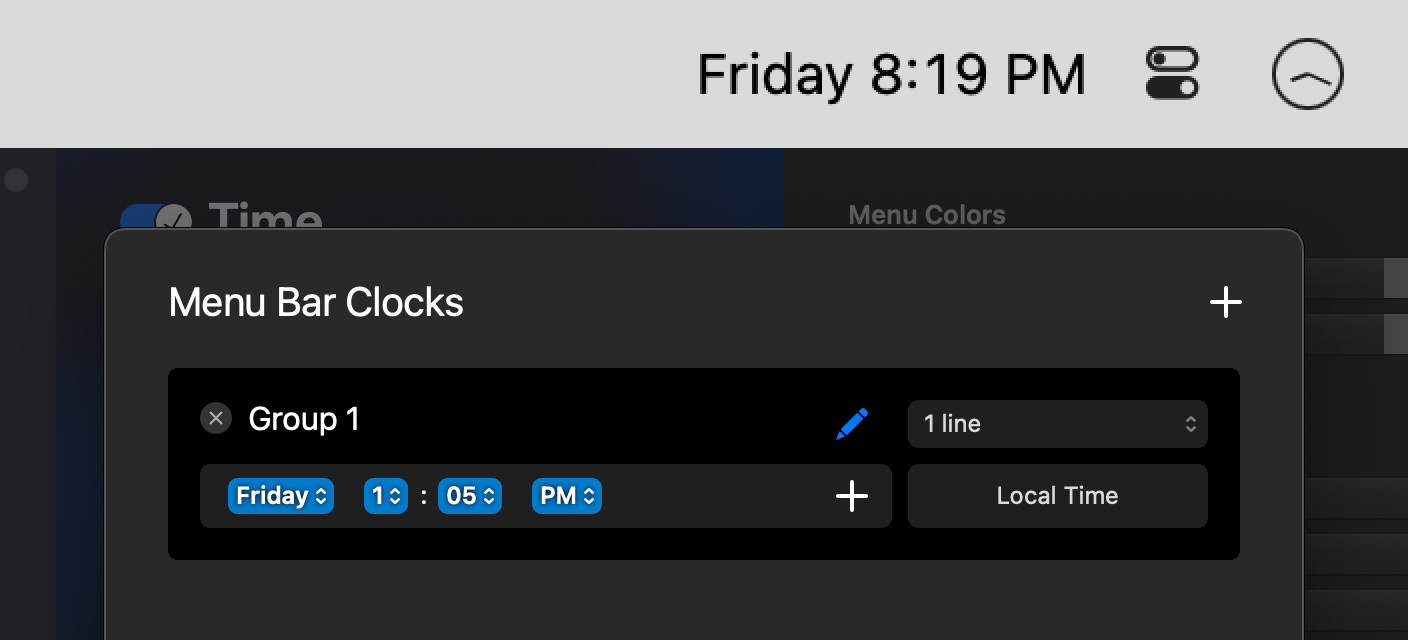
下面的示例展示了标准12小时制所需的代币,包含星期几、小时、分钟以及上午或下午指示器。

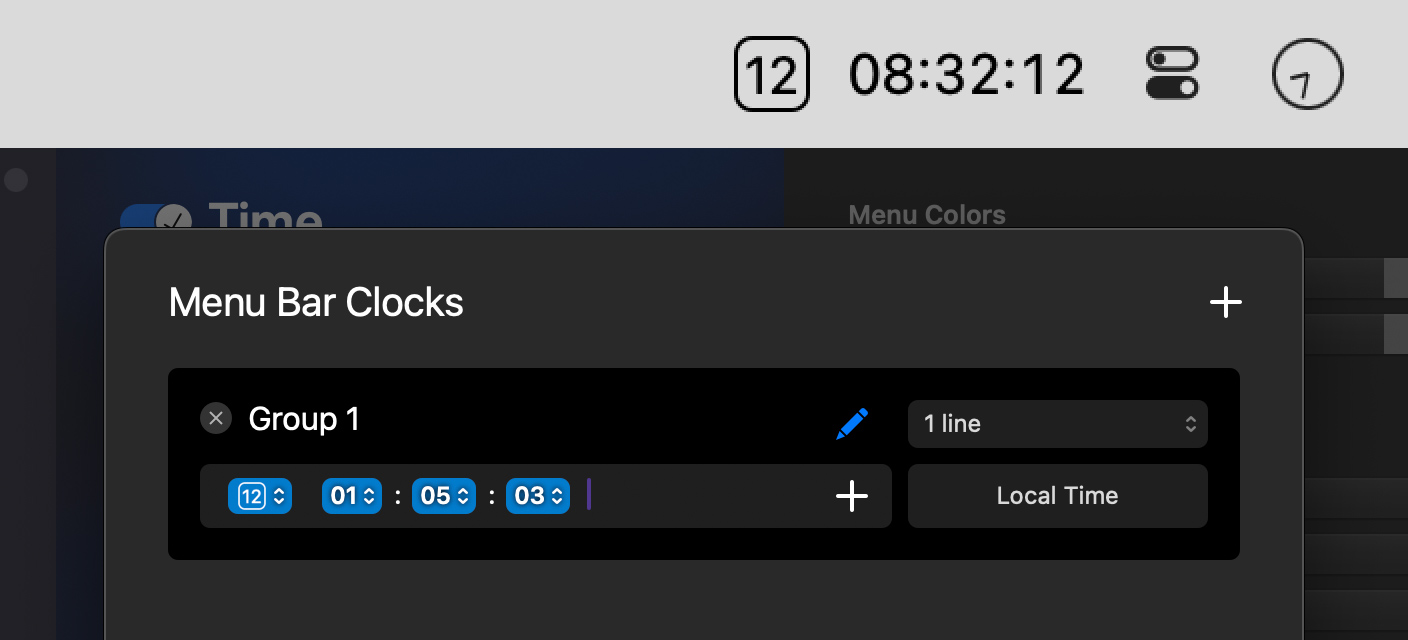
还可以显示一个迷你日历,显示本月的今天,以及24小时制的时钟,显示小时、分钟和秒。要添加“:”字符,只需在标记字段输入即可。这对空间和其他角色同样适用。

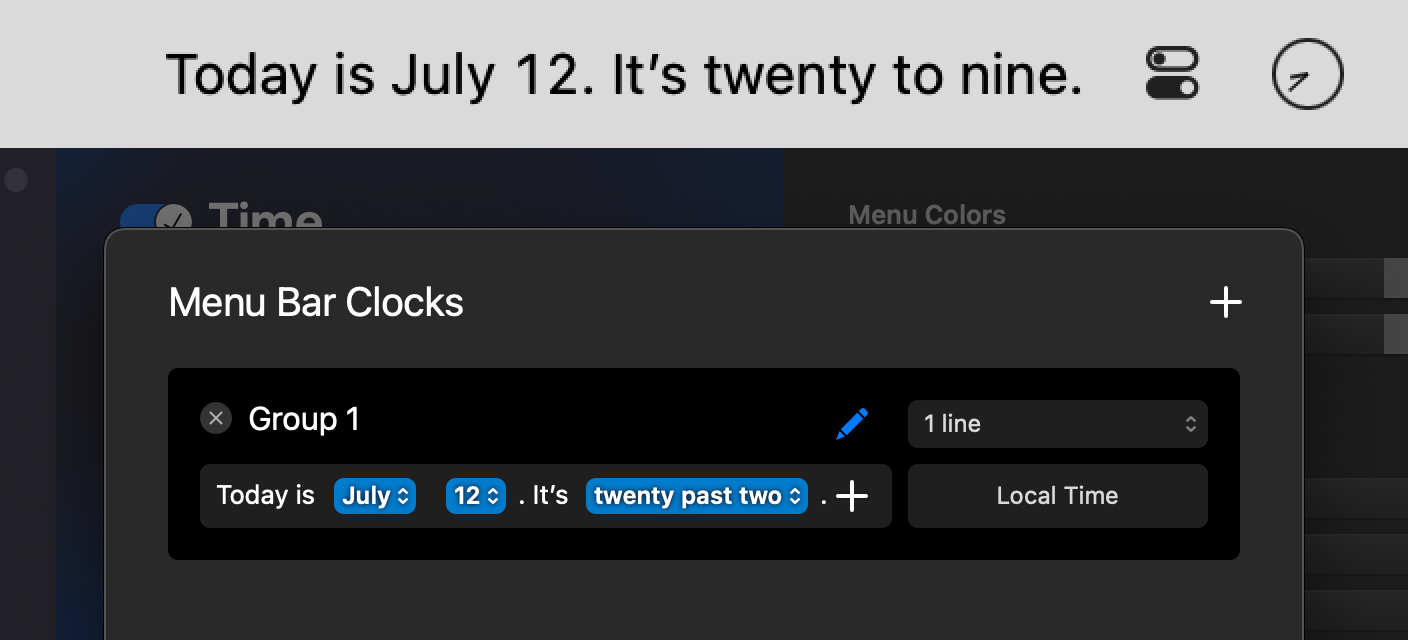
下面是一个示例,标记字段中添加了一些静态文本、当前日期、月份和日期,以及一个模糊的时钟。

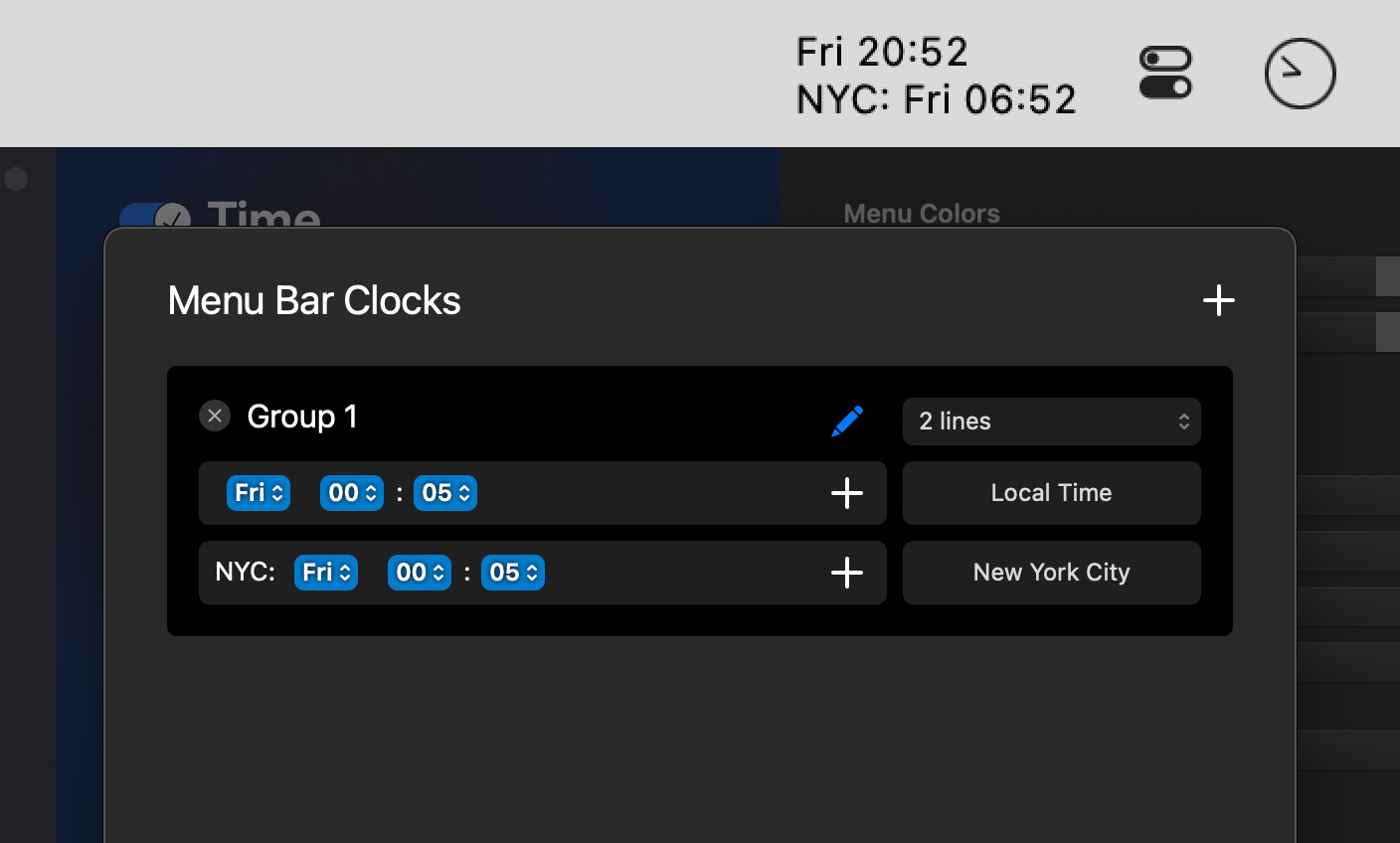
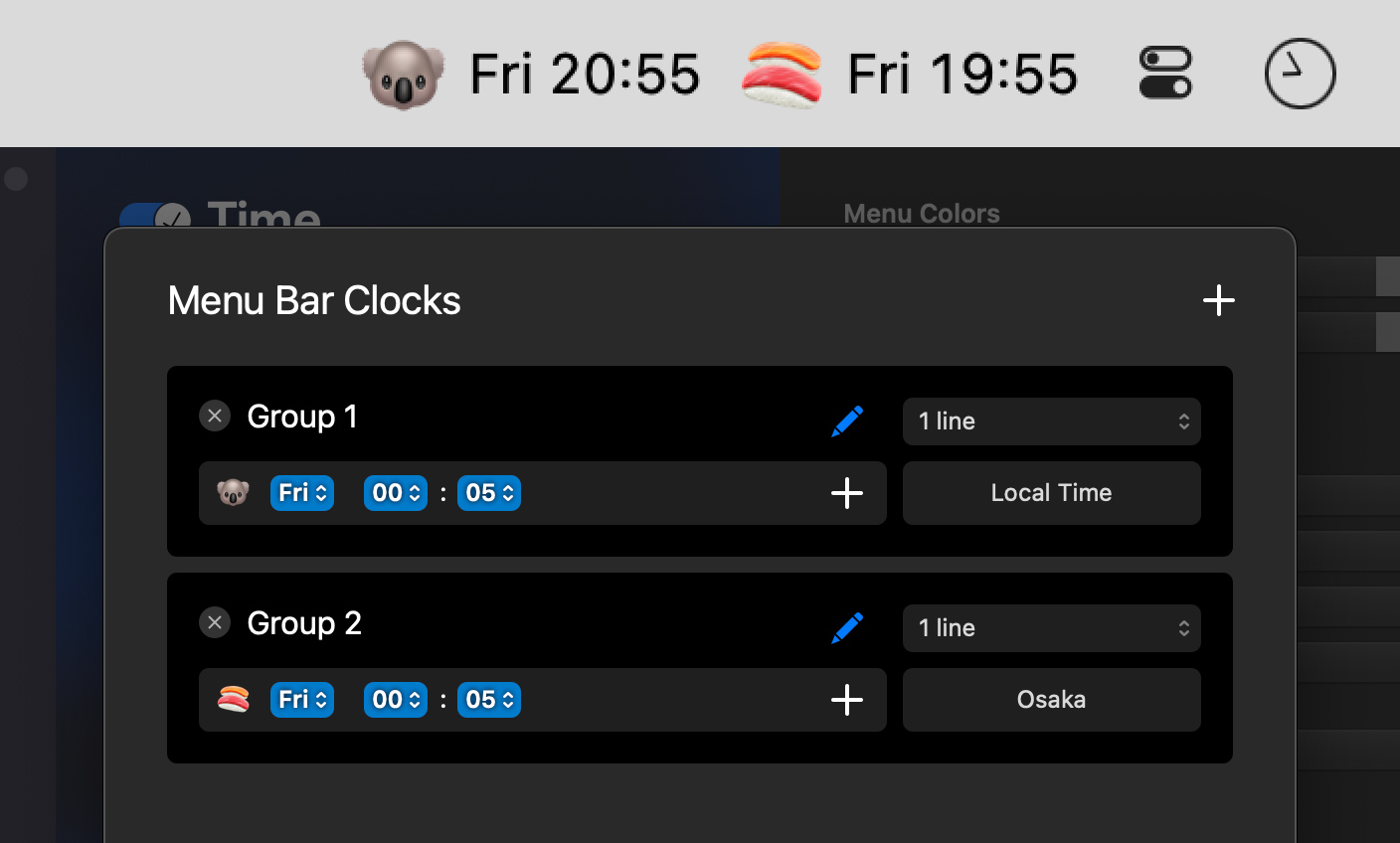
多时钟#可以显示不同城市的多个时钟。这可以通过将钟表叠放、并排展示钟表,或两者兼用来实现。
要显示堆叠时钟,请将弹出按钮从改为。令牌字段现在将被拆分为两部分,每行都可以单独配置。1 Line2 Lines

点击会添加另一行,对应iStat菜单栏中的一个横向独立项目——用于将时钟并排放置。+

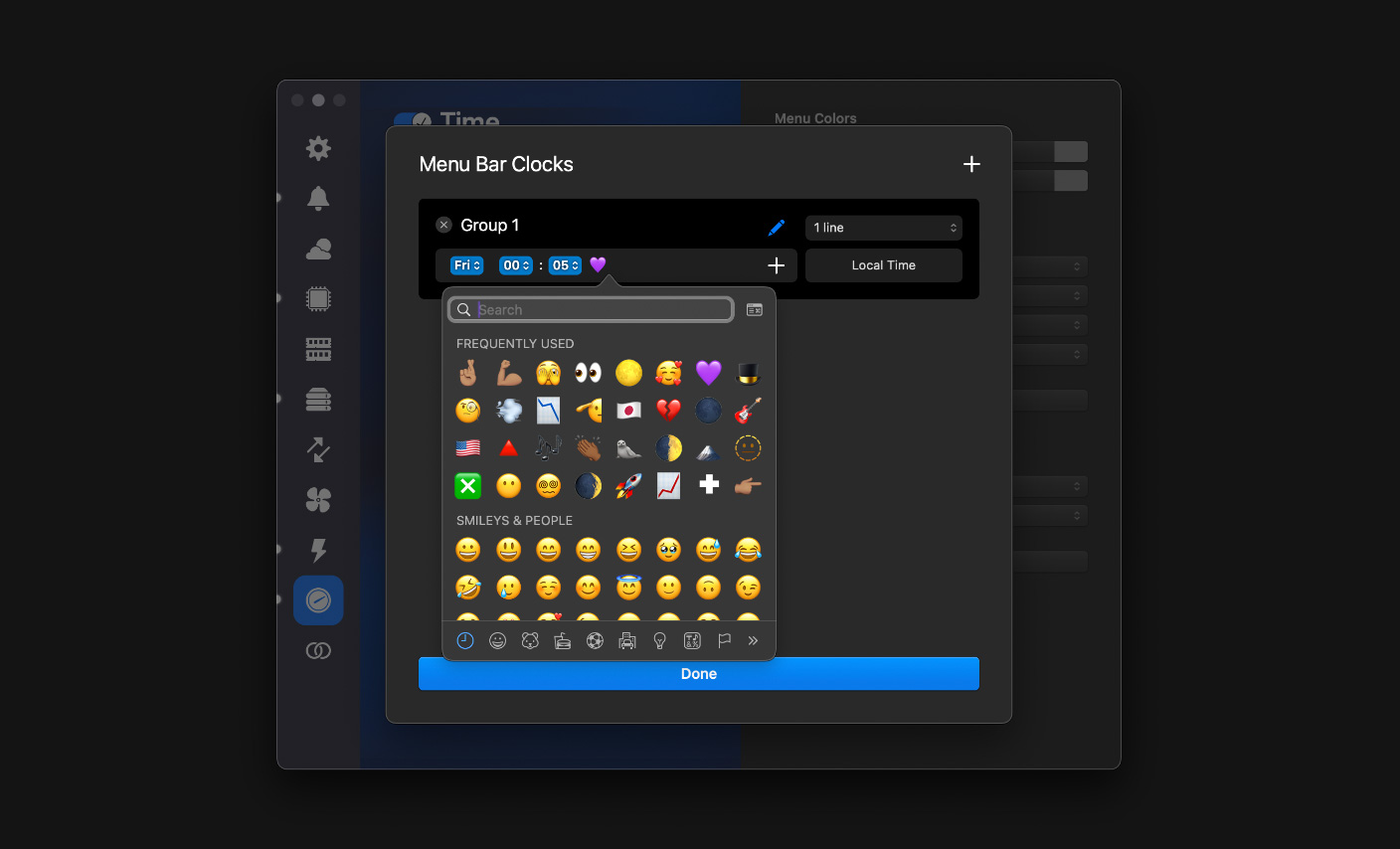
也可以同时使用多个叠放物品,以应对需要同时注意多个地点时间的情况。表情符号、旗帜及其他角色#你可以用表情符号在菜单栏添加国家旗帜和其他图标。操作方式是从编辑菜单中选择,或点击 。Emoji & Symbols⌃⌘space